Managing a government office’s finances requires more than just keeping receipts. For a Drawing and Disbursing Officer (DDO) in Pakistan, the ability to track spending against an allocated budget is the backbone of professional accountability. In 2026, the digital shift has made this easier than ever through the PIFRA (Project to Improve Financial Reporting and Auditing) system.
The Budget Execution Report (BER) is the primary tool used by DDOs to see exactly where their funds are going. Whether you are managing a small school or a large district department, checking your BER online ensures that you stay within your limits and avoid the dreaded “budget lapse” at the end of the fiscal year.
What is a PIFRA DDO Budget Execution Report? (بجٹ ایگزیکیوشن رپورٹ کیا ہے؟)
A Budget Execution Report, commonly known as a BER, is a real-time financial statement. It shows the total budget allocated to a specific DDO code and tracks how much of that money has been spent (actual expenditure) and how much remains (balance).
In the past, DDOs had to visit the District Accounts Office (DAO) to get these figures. This often led to delays and errors. In 2026, the m.pifra.gov.pk portal allows any authorized officer to view these reports from their office computer or even a smartphone. This transparency helps in preventing overspending and ensures that funds are used for their intended purpose.
Prerequisites for Online Access (آن لائن رپورٹ حاصل کرنے کے لیے ضروری معلومات)
Before you can view the BER on the PIFRA portal, you need to have certain credentials ready. Because this involves sensitive government financial data, access is restricted to authorized personnel. You will need:
- A Registered User ID: This is usually provided by the Accountant General (AG) office or the FABS (Financial Accounting and Budgeting System) team.
- DDO Code: The unique identifier for your specific office.
- Correct Government Code: Such as ‘P’ for Punjab or ‘F’ for Federal.
- Fiscal Year Information: You must know which financial cycle you are reporting on (e.g., 2025-2026).
If you do not have a User ID, you cannot access these reports online. You must contact your respective IT department within the Finance division to have your credentials generated.
Step-by-Step Guide to Accessing BER Online (آن لائن رپورٹ حاصل کرنے کا مکمل طریقہ)
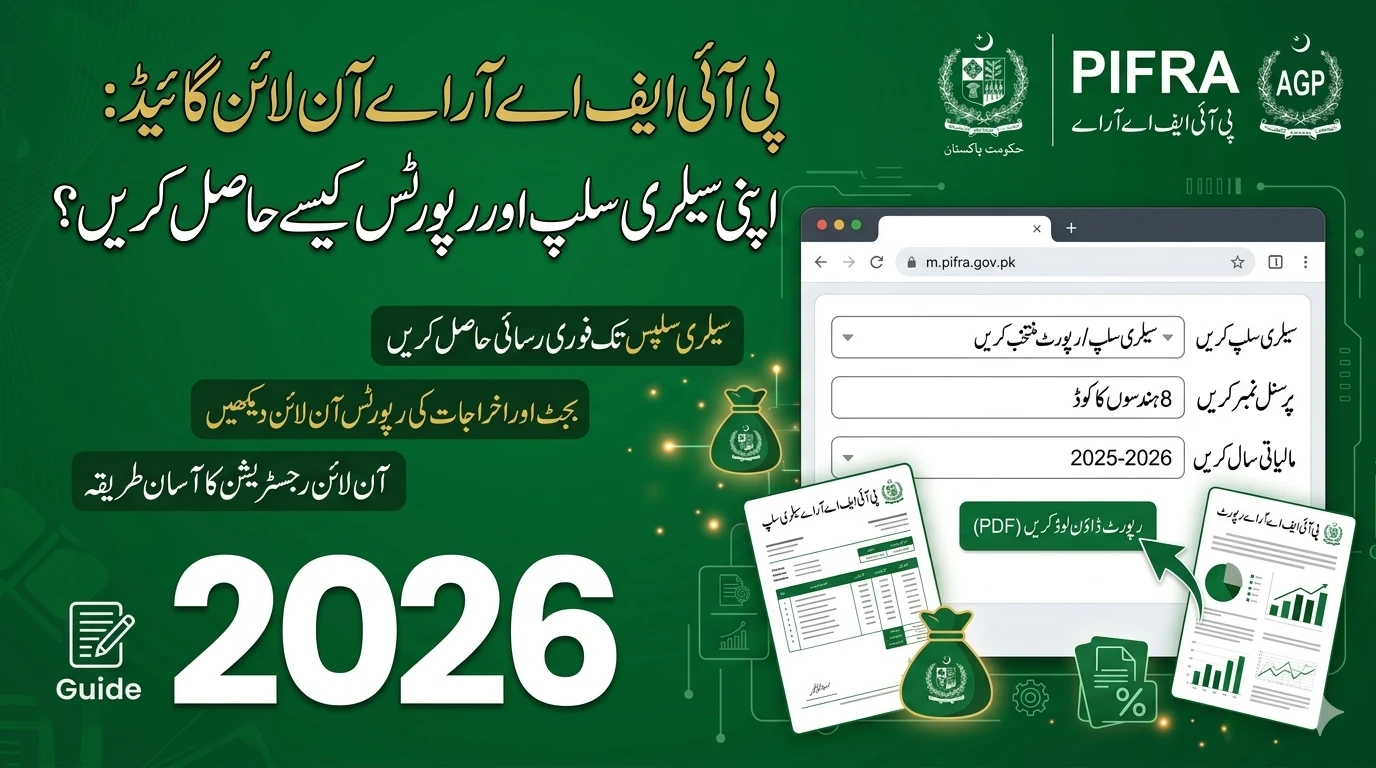
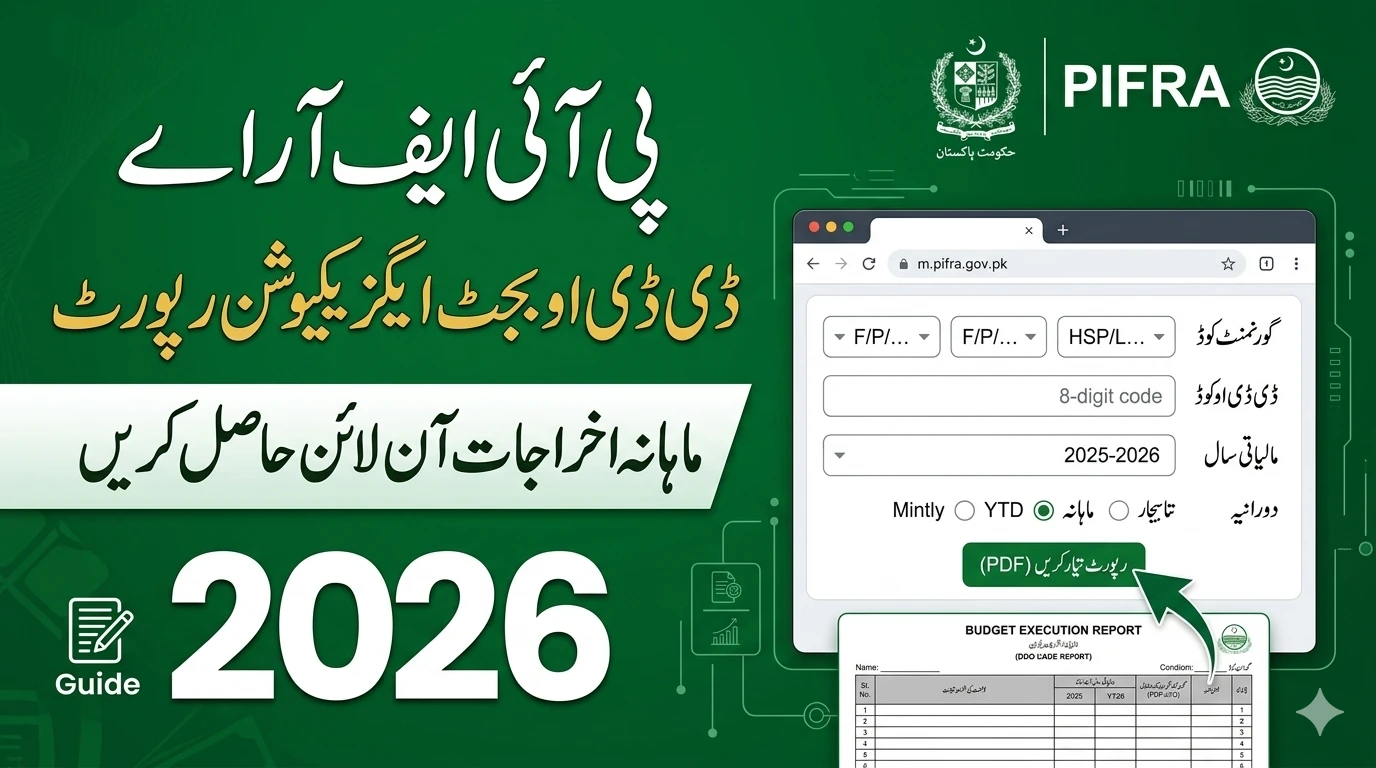
Accessing your reports on m.pifra.gov.pk is a streamlined process in 2026. The portal has been updated to be more mobile-friendly and secure. Follow these steps to generate your report:

1. Visit the Official Portal
Open your browser and navigate to m.pifra.gov.pk. Look for the section specifically labeled for “DDO Reports” or “Budget Execution.” Avoid third-party links that claim to provide budget data; always stay on the official .gov.pk domain.
2. Enter Your Credentials
Log in using your assigned User ID and password. In 2026, many accounts now require two-factor authentication (2FA), so keep your registered mobile phone nearby to enter any one-time codes sent by the system.
3. Select the Report Type
Once inside the dashboard, you will see various reporting options. Select “Budget Execution Report (BER).” You may also see options for “Object-wise Expenditure” or “Detailed Ledger,” but for a general overview, the BER is the best choice.
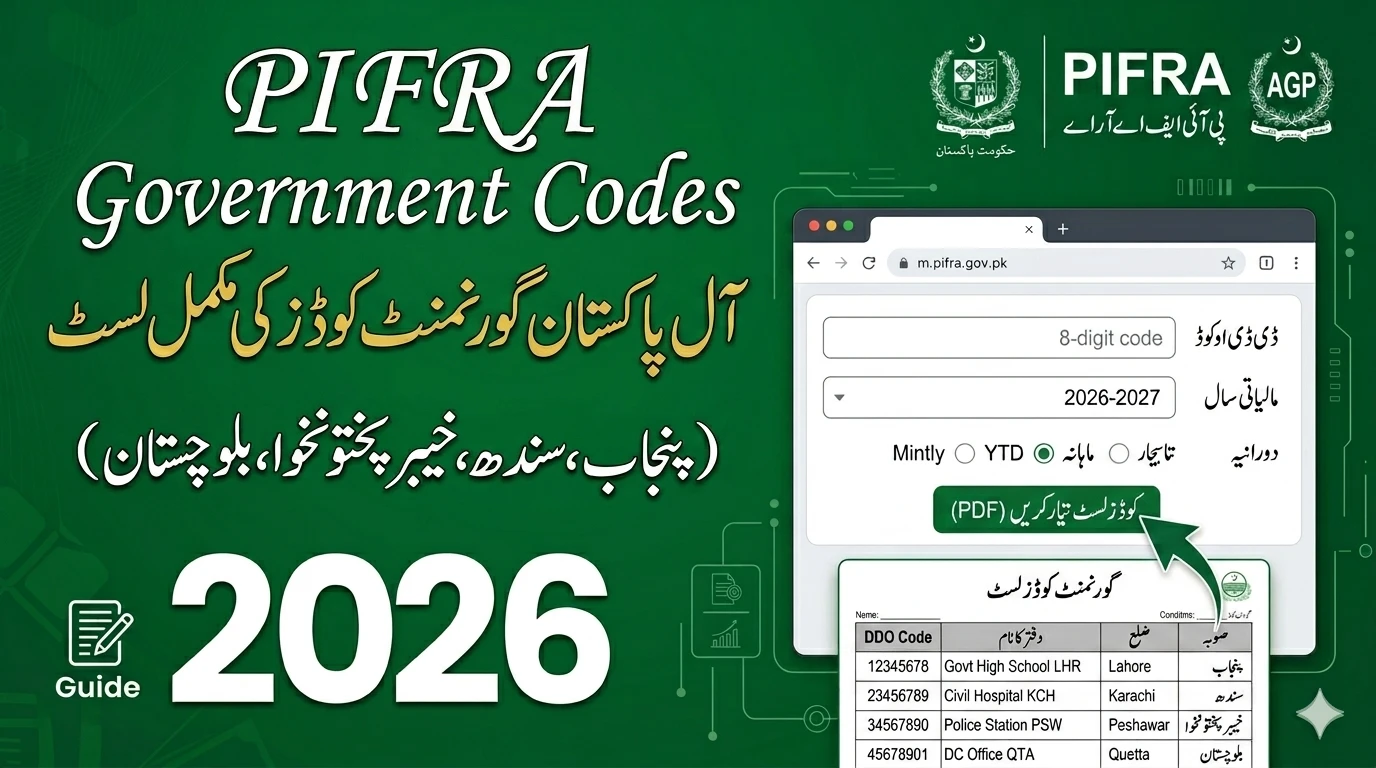
4. Define the Parameters
You will need to select:
- Financial Year: Choose the current active year.
- Period: You can view reports for a specific month or the year-to-date.
- DDO Code: Ensure your specific code is selected if you manage multiple departments.
5. Generate and Download
Click on the “Generate” or “Run Report” button. The system will compile the data from the FABS server. Once it appears, you can view it on the screen or download it as a PDF or Excel file for your official records.
Understanding the Data in Your BER (رپورٹ کے ڈیٹا کو سمجھنے کا طریقہ)
A BER can look intimidating with its many columns and codes. However, once you understand the layout, it becomes a simple roadmap of your office’s financial health. Most reports are divided into the following sections:
- Grant Number: The broader category of the budget.
- Object Code: This tells you what the money is for (e.g., salaries, electricity bills, or office supplies).
- Modified Budget: The total amount of money currently available to you, including any mid-year increases.
- Total Expenditure: Every rupee that has been officially “booked” or spent so far.
- Balance: What you have left for the remainder of the year.
If the balance in a specific category is low, the DDO knows they must stop spending in that area or request a “re-appropriation” of funds from another category.
Why Regular Monitoring is Critical in 2026 (بجٹ کی باقاعدہ نگرانی کیوں ضروری ہے)
In 2026, the Government of Pakistan has moved toward stricter financial audits. Waiting until June to check your budget is no longer a viable strategy. Regular monitoring of the BER provides several advantages:
- Avoid Over-Commitment: You won’t accidentally sign contracts or purchase orders for which you don’t have funds.
- Identify Errors: Sometimes a bill is wrongly charged to your DDO code. By checking the BER monthly, you can catch these mistakes early and have them corrected by the DAO.
- Effective Planning: If you see that you have a surplus in the “Repair and Maintenance” category, you can plan necessary office upgrades before the year ends.
Common Problems When Accessing BER (عام مسائل اور ان کا حل)
Even with an updated system, technical glitches can occur. Here are the most frequent issues DDOs face on the m.pifra.gov.pk portal:
”Unauthorized Access” Error
This usually means your password has expired or your account has been locked due to inactivity. Government security policies often require a password change every 90 days. Contact your local FABS coordinator to reset your access.
Missing Expenditure Data
If you have paid a bill but it doesn’t show up in the BER, it likely hasn’t been “posted” yet. There is often a 24 to 48-hour delay between a bill being cleared at the treasury and it appearing on the online BER.
PDF Formatting Issues
Sometimes the downloaded report looks garbled. In 2026, it is recommended to use the latest version of Google Chrome or a dedicated PDF viewer like Adobe Reader to ensure the columns align correctly.
Conclusion
The PIFRA DDO BER system is a powerful tool for any government administrator. By mastering the m.pifra.gov.pk portal, you take control of your department’s financial destiny. No longer do you need to rely on second-hand information from the accounts office. With a few clicks, you can ensure transparency, accuracy, and efficiency in your office’s spending.
Stay proactive, check your reports at least once a month, and use the digital tools available to you in 2026 to be the best DDO possible.
FAQs
1. Can a DDO check their BER from a private home internet connection?
Yes, the m.pifra.gov.pk portal is accessible via the public internet, provided you have your secure login credentials and any required two-factor authentication.
2. What is the difference between a BER and a Bill Status?
A Bill Status tells you if a specific invoice has been paid. A BER (Budget Execution Report) gives you the total picture of all spending and the remaining balance for your entire office.
3. How can I correct a wrong entry in my BER?
If you find an error, you must write a formal letter to your District Accounts Officer (DAO) or the Accountant General’s office. Provide the bill number and the incorrect object code, and request a “Transfer Entry” (TE) to fix the record.
4. Is the BER available for all government departments in Pakistan?
Most federal and provincial departments that are integrated with the FABS system can access their BER through PIFRA. Some autonomous bodies may use their own separate accounting software.
5. Who should I contact if the PIFRA website is down?
If the website is not loading, it may be undergoing maintenance. If the issue persists for more than 24 hours, contact the FABS Helpdesk or your provincial Finance Department’s IT cell.
پی آئی ایف آر اے (PIFRA) کے ذریعے ڈی ڈی او (DDO) بجٹ ایگزیکیوشن رپورٹ حاصل کرنا اب 2026 میں انتہائی آسان ہو چکا ہے۔ اس رپورٹ کی مدد سے سرکاری افسران اپنے محکمے کے اخراجات اور باقی ماندہ بجٹ کی تفصیلات گھر بیٹھے یا دفتر سے آن لائن دیکھ سکتے ہیں۔ اس کے لیے مروجہ طریقہ کار میں ویب سائٹ پر لاگ ان کرنا اور اپنے مخصوص ڈی ڈی او کوڈ کا استعمال شامل ہے۔ یہ نظام مالیاتی شفافیت کو برقرار رکھنے اور بجٹ کے ضیاع کو روکنے میں کلیدی کردار ادا کرتا ہے، جس سے سرکاری امور میں بہتری آتی ہے۔