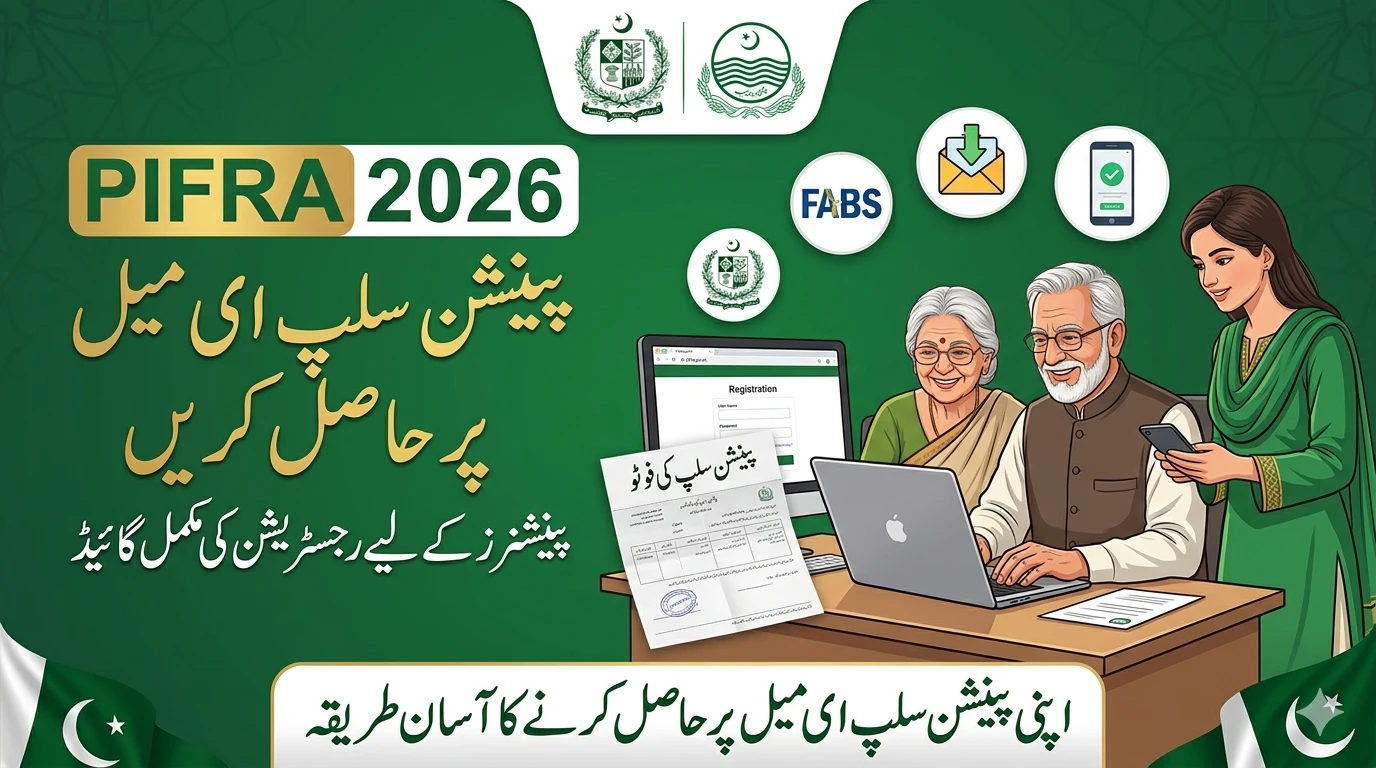
Receiving your monthly salary slip is a vital part of life for any government employee in Pakistan. Whether you work for the Federal Government, a Provincial department, or a district office, that digital pay stub provides proof of income, tax deductions, and retirement contributions. However, many employees face a common hurdle: their registered email address is outdated, inaccessible, or simply incorrect.
In 2026, the PIFRA (Project to Improve Financial Reporting and Auditing) system remains the primary gateway for these documents. If you are not receiving your slips, it is likely time for an update. This guide will walk you through the entire process of changing your email address on the m.pifra.gov.pk portal with ease.
Why Keeping Your PIFRA Email Updated is Essential
The PIFRA system was designed to move away from paper-based payroll and toward a more transparent, digital approach. When your email is current, your pay slip arrives automatically in your inbox at the start of every month.
If your email is old or you have lost the password to your Yahoo or Gmail account, you lose more than just a document. You lose the ability to track your General Provident (GP) Fund, your annual increments, and your tax filings. In the digital era of 2026, staying updated is no longer optional; it is a necessity for financial security.

Preparing the Necessary Information
Before you visit the m.pifra.gov.pk website, you need to have specific details ready. The system uses these to verify your identity. If even one digit is wrong, the process will fail. Make sure you have the following on hand:
- Government Code: This identifies which branch of government you belong to (e.g., F for Federal, N for KP, S for Sindh, P for Punjab, B for Balochistan).
- Personnel Number: An 8-digit number assigned to you by the AGPR or your respective District Accounts Office.
- CNIC Number: Your 13-digit Computerized National Identity Card number (without dashes).
- Date of Birth: As recorded in your official service book.
- Mobile Number: To receive any necessary verification codes.
Step-by-Step Guide: How to Change Your Email Address in PIFRA
Changing your email address isn’t done through a simple “edit profile” button. Instead, you usually have to re-register or “unsubscribe” the old address to clear the way for the new one. Here is how to navigate the 2026 portal.
1. Access the Official PIFRA Portal
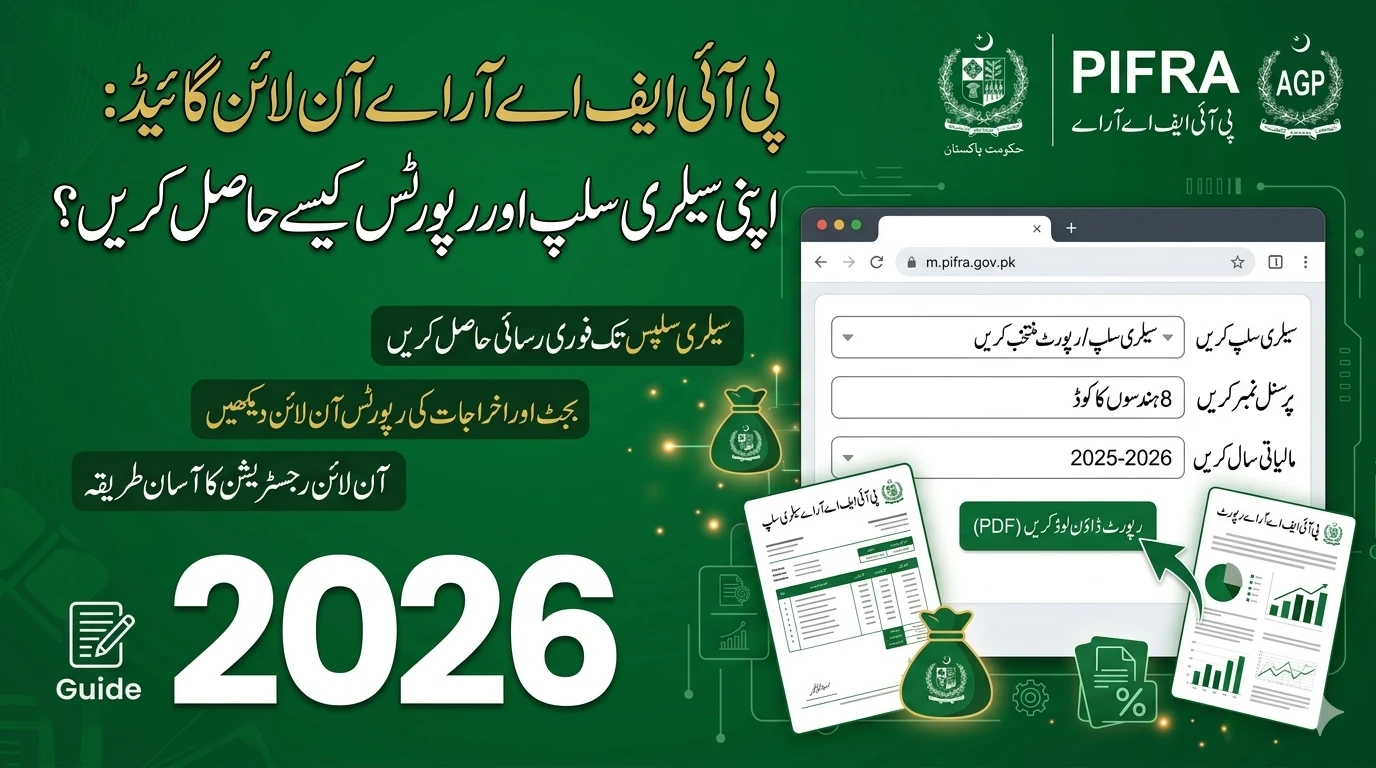
Open your web browser and go to m.pifra.gov.pk. Be careful to use the official link. There are many “copycat” websites that may look like PIFRA but are actually designed to show ads or steal your personal data. The official site will always have the .gov.pk extension.

2. The Unsubscribe Process (The “Reset” Method)
If you are already receiving slips on an old email and want to stop them, you first need to unsubscribe.
- Look for the “Unsubscribe” or “Email Change” section on the homepage.
- Enter your Personnel Number and CNIC.
- The system will confirm that your old email has been removed from the active mailing list.
- Note: In 2026, some users might find that simply registering a new email automatically replaces the old one, but unsubscribing first is the cleanest way to avoid system errors.
3. Registering Your New Email Address
Once the system is clear, click on the “Salary Slip/Registration” link. This will open a form that requires your full details.
- Select Government Code: Choose your province or federal status.
- Personnel Number: Type it carefully. Double-check for typos.
- CNIC Number: Enter all 13 digits without spaces.
- Date of Birth: Use the calendar tool to select your exact birth date.
- Cell Phone Number: Use your primary number.
4. Entering and Verifying the New Email
After filling in your personal details, the system will ask for your email address.
- Type your new email address (e.g., yourname2026@gmail.com).
- Re-type it to confirm.
- Click the “Submit” or “Verify” button.
5. Final Confirmation
If all the data matches the records in the PIFRA database, you will see a message saying “Successful Registration.” This means that from the next payroll cycle, your salary slip will be sent to your new email address.
Understanding Government Codes for PIFRA
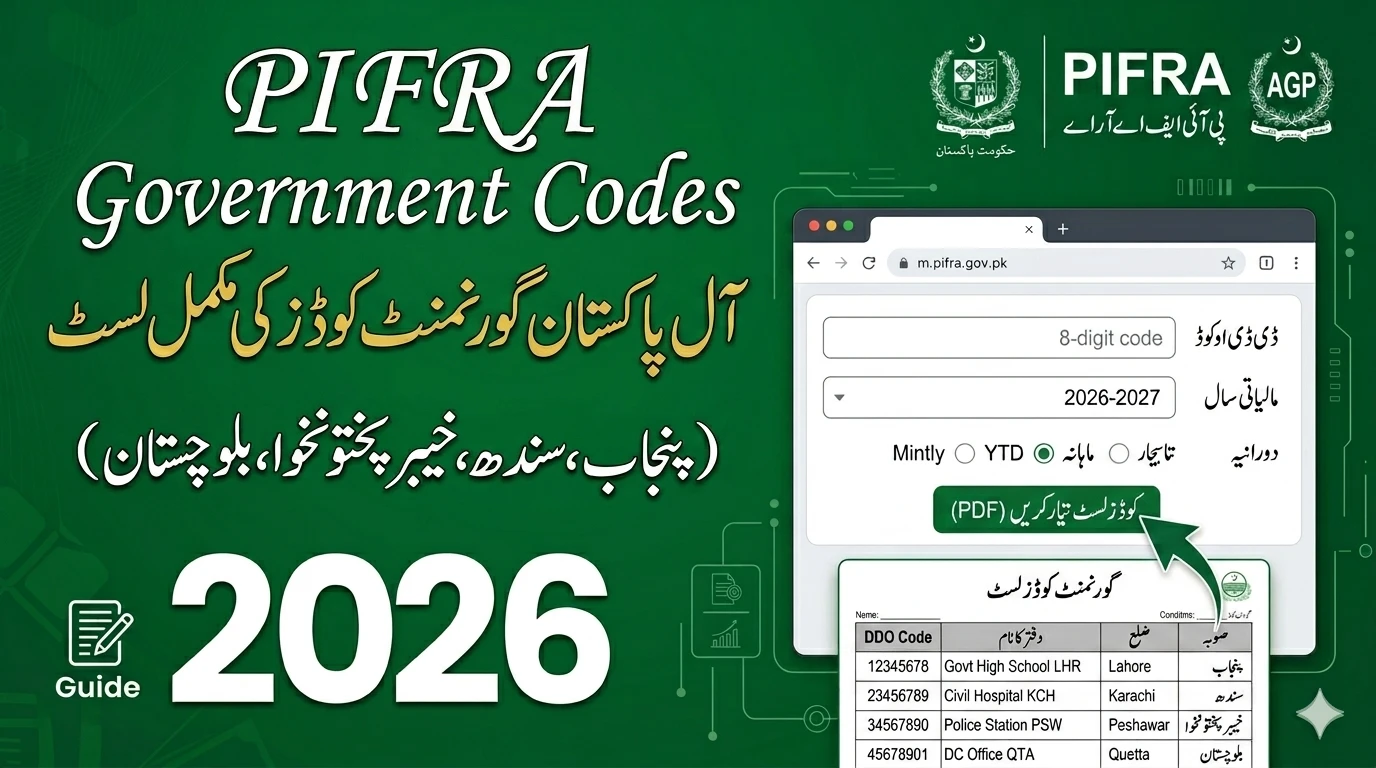
One of the biggest reasons for errors on m.pifra.gov.pk is entering the wrong Government Code. If you select the wrong code, the system will say “Record Not Found.” Here is a quick reference table for 2026:
| Code | Government Branch |
|---|---|
| F | Federal Government |
| N | Khyber Pakhtunkhwa (KPK) |
| S | Sindh Government |
| P | Punjab Government |
| B | Balochistan Government |
| K | Azad Jammu & Kashmir (AJK) |
| G | Gilgit-Baltistan |
| D | District Government (Specific regions) |
Common Troubleshooting Tips for 2026
Even with a perfect guide, things can sometimes go wrong. Here is how to handle the most common issues:
”Record Already Exists”
If you try to register and see this message, it means your CNIC is still linked to an old email. In this case, you must use the “Unsubscribe” feature mentioned earlier. If that doesn’t work, you may need to contact your District Accounts Office (DAO) to have them manually reset your profile.
Not Receiving the Slip After Registration
If you registered successfully but the slip hasn’t arrived:
- Check the Spam/Junk Folder: PIFRA emails are automated and often get flagged as spam by Gmail or Outlook.
- Wait for the Next Month: If you registered on the 28th of the month, you might have missed the “processing window.” You will likely receive the slip starting next month.
- Verify Personnel Number: Ensure your DDO (Drawing and Disbursing Officer) hasn’t changed your personnel number due to a transfer.
Issues with Date of Birth Format
The PIFRA portal is quite strict about date formats. If typing it doesn’t work, always use the built-in calendar icon to select the day, month, and year.
Enhancing Your Account Security
Since your salary slip contains your CNIC, bank details, and home address, it is a sensitive document. When changing your email address in 2026, follow these safety steps:
- Use a Private Email: Avoid using a shared family email. Use one that only you can access.
- Enable 2FA: Turn on Two-Factor Authentication on your Gmail or Yahoo account. This ensures that even if someone knows your password, they can’t see your salary slips.
- Avoid Public Computers: Try to update your PIFRA details on your personal smartphone or home laptop rather than at an internet café.
The Role of FABS in Salary Slips
PIFRA operates under the Financial Accounting and Budgeting System (FABS). This system is what connects the treasury to your inbox. While the PIFRA website is the “front end” that you see, the actual data comes from FABS. If there is a major discrepancy in your pay—such as a missing allowance—simply changing your email won’t fix it. You will need to speak to your department’s accounts branch to update your record in the FABS database.
FAQs (Frequently Asked Questions)
1. Can I register two different email addresses for one salary slip?
No. The PIFRA system only allows one active email address per CNIC/Personnel Number. If you register a new one, it will generally overwrite or require the deletion of the old one.
2. How long does it take for the email change to take effect?
Usually, the change is instant in the database. However, the mailing list for salary slips is generated a few days before the end of the month. If you change your email late in the month, you might receive one last slip on the old email before the new one kicks in.
3. What should I do if I forget my Personnel Number?
Your Personnel Number is printed on your physical pay slips and your service book. If you cannot find it, your department’s clerk or the Accountant General’s office can provide it to you upon verification of your CNIC.
4. Is there a fee for changing my email on PIFRA?
No, the service provided at m.pifra.gov.pk is completely free for all government employees. Never pay anyone who claims they can “unlock” your PIFRA account for a fee.
5. Does PIFRA send slips to WhatsApp?
As of 2026, the official PIFRA system primarily uses email. While there have been discussions about mobile app integration, email remains the official and most secure method for receiving the monthly PDF slip.
Conclusion
Updating your email address on m.pifra.gov.pk is a straightforward process if you have the correct information. By following the steps to unsubscribe and re-register, you ensure that you stay informed about your finances throughout 2026.
Don’t let an old email address stand between you and your financial records. Take five minutes today to verify your details, and enjoy the peace of mind that comes with a direct, digital connection to your monthly earnings.