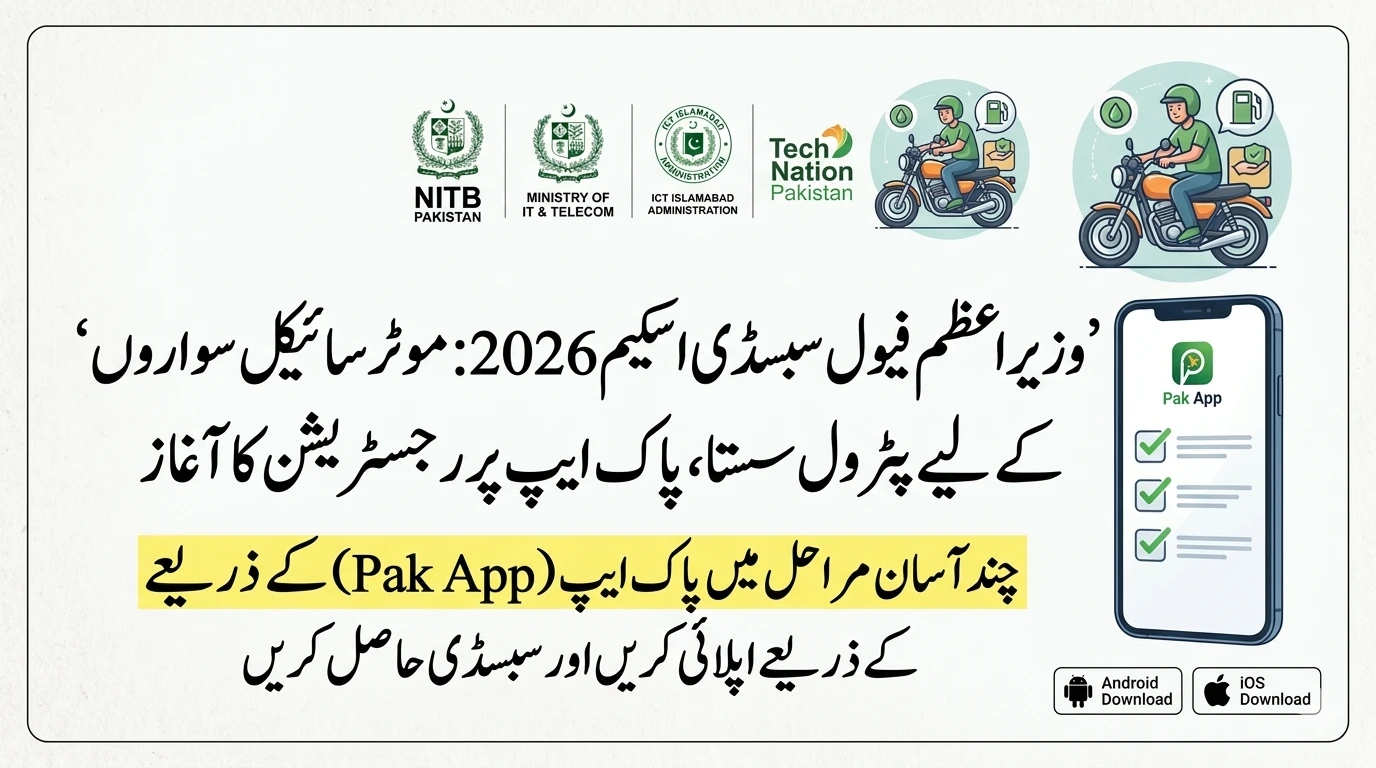
Getting a little extra help with fuel costs can make a massive difference for families in Punjab. The “Maryam Ko Batayn” initiative was launched to provide a much-needed petrol subsidy to motorcyclists and rickshaw drivers across the province. However, as with many new digital systems, the rollout has seen its fair share of “speed bumps.”
If you have tried to sign up and felt frustrated because the app crashed or your CNIC wasn’t accepted, you are not alone. Thousands of people are facing the same technical hurdles. This guide will walk you through how to navigate these challenges, fix common errors, and ensure you actually get the relief you’re entitled to.
Understanding the “Maryam Ko Batayn” Initiative
The Punjab government designed this program to target those who feel the pinch of rising fuel prices the most. Unlike general subsidies, this one is specifically linked to your identity and your vehicle. It is a digital-first program, meaning most of the work happens through your phone or a computer.
While the goal is to make things faster, the reality of high traffic and complex data verification has caused some delays. To get through the process, you need to make sure your documents are in perfect order before you even open the app.

Solving Common Technical App Problems
Many users have reported that the mobile application feels a bit unstable. This is common when a government app suddenly gets millions of hits at once.
App Crashes on Newer Phones
If you are using a high-end or very new smartphone running Android 14 or 15, you might find the app closing unexpectedly. This usually happens because the app’s software hasn’t been fully optimized for the latest operating system updates.
The Fix: Instead of repeatedly trying the app, switch to the official web portal. Mobile apps often require more “horsepower” and perfect compatibility, whereas a website works on almost any browser. If you must use the app, try clearing the “Cache” in your phone settings or reinstalling the latest version from the Play Store.

The Password Headache
One of the biggest complaints during registration is the password field. The system often rejects passwords without explaining why. Usually, these systems require a mix of uppercase letters, numbers, and a special character (like @ or #).
The Tip: Keep it simple but follow the rules. Create a password like Punjab@2026 (don’t use this exact one!). This usually satisfies the “restrictive” security requirements that the app demands.

Why Your CNIC Might Be Getting Rejected
The “CNIC Not Found” error is perhaps the most discouraging message you can see. There are three main reasons why this happens:
- Data Mismatch: The information you are typing doesn’t perfectly match what is on your physical card or in the NADRA database. Even a small spelling error in your name can trigger this.
- Expired Identity Cards: If your CNIC has expired, the system will automatically flag you as ineligible. You must renew your card at a NADRA center before applying for the subsidy.
- Sync Delays: Sometimes, the government database is just slow to respond. If you know your card is valid and your data is correct, wait a few hours and try again during “off-peak” times, such as late at night or early in the morning.
The SIM Card Rule: A Critical Requirement
This is where many people get stuck. For your registration to be successful, the mobile SIM card you are using must be registered in your own name.
The system checks your CNIC against the mobile number. If you are using a SIM card that belongs to your brother, father, or a friend, the verification will fail. This is a security measure to prevent fraud, but it creates a hurdle for people who use “family” SIM cards.
What to do: If your SIM is not in your name, you should visit your mobile network’s franchise to transfer the ownership or get a new SIM linked to your CNIC. Once the record updates, your registration on the portal should go through smoothly.
Vehicle Ownership and the Excise Record
The petrol subsidy isn’t just linked to you; it’s linked to your motorcycle or rickshaw. The government pulls data from the Excise and Taxation Department to verify who owns the vehicle.
The Used Bike Problem
If you recently bought a used motorcycle but didn’t officially transfer the paperwork at the Excise office, the system still thinks the previous owner has the bike. When you try to register, the system might say you don’t own a vehicle, or it might give the subsidy to the person who sold you the bike.
The Fix: You must complete the “Transfer of Ownership” at the Excise department. In Punjab, this can often be done through the “e-Pay Punjab” app, making it easier than it used to be. Once you are the legal owner in the government records, the “Maryam Ko Batayn” system will recognize your eligibility.
Overcoming the “Digital Divide”
Not everyone owns a smartphone. Many rickshaw drivers and daily-wage earners use basic “feature phones” that cannot run modern apps. This has left a large group of people wondering how they can benefit.
Helping Others
If you are tech-savvy, you can help your neighbors or colleagues. However, remember the “one vehicle per CNIC” rule. You can help someone else register using their details on your phone or a computer, but you cannot claim their subsidy for yourself.
The Power of the Helpline
For those who cannot navigate the app or the website, the 1000 Helpline is the official backup. By calling this number, you can speak with a representative who can guide you through the registration process or log your complaints manually.
Using the Web Portal: A More Stable Alternative
If the app is giving you a hard time, the Maryam Ko Batayn Web Portal (mkb.punjab.gov.pk) is generally the better choice.
Websites are built to handle more traffic than mobile apps. The layout is clearer, and it is easier to type in long CNIC numbers and passwords on a larger screen. If you are at a local “PCO” or have access to a computer, try doing your registration there. It often solves the “slow performance” issues people face on their phones.
What to Do at the Petrol Pump
Once you are registered, the next step is actually getting the fuel. The system uses digital vouchers or QR codes.
Voucher and Scanner Issues
Sometimes the app fails to generate the code when you are standing at the pump. Or, the pump’s scanner might be unable to read your phone screen because of glare or a cracked display.
- Screenshot your voucher: Before you leave home, generate your voucher and take a screenshot of the QR code. This way, you don’t need to rely on a live internet connection at the petrol station.
- Manual Entry: If the scanner fails, ask the petrol pump staff if they can manually enter the voucher code into their system.
The “Use It or Lose It” Rule
The subsidy comes with a monthly quota. If you are allowed a certain number of liters per month, you must use them before the 1st of the next month.
Unused liters do not carry over. This means if you have 5 liters left on the 30th of the month, they will disappear when the calendar turns. Plan your trips and your fuel refills to make sure you are getting the full value of the government’s support.
Important Policy Restrictions
To keep the program fair, the government has set a “One Vehicle, One CNIC” policy. Even if you own two motorcycles to help different members of your family, you can only register one for the subsidy. This is designed to ensure the budget reaches as many different households as possible rather than being concentrated on a few people with multiple vehicles.
Summary Checklist for Success
Before you try to register again, check these five things:
- Is your CNIC currently valid (not expired)?
- Is your SIM card registered in your name?
- Is your motorcycle officially transferred to your name in Excise records?
- Are you using a strong password with a special character?
- Have you tried the web portal instead of the app?
Frequently Asked Questions (FAQs)
1. Why am I not receiving the OTP during registration?
High traffic is the most common cause. Try registering during “off-peak” hours (late night or very early morning). Also, ensure your SIM card is active and has a good signal.
2. Can I register two bikes if I use both for work?
No. Currently, the policy strictly allows only one vehicle per CNIC. You will have to choose the vehicle you use most often for the subsidy.
3. What if the petrol pump refuses to accept my digital voucher?
Ensure the pump is an authorized participant in the government program. If they are participating but refuse the voucher, you can report the specific station via the 1000 helpline.
4. How do I update my mobile number in the system?
If you changed your SIM, you may need to visit the web portal or contact the helpline to update your profile. The system is very strict about the SIM matching the CNIC.
5. Does the subsidy work for cars?
No. The “Maryam Ko Batayn” petrol subsidy is specifically designed for motorcycles and rickshaws to support lower-income commuters and small-scale transporters.
By following these steps and understanding the underlying rules, you can bypass the technical glitches and claim the support you deserve. Stay patient with the digital system—once you are through the initial setup, the monthly vouchers should become a much smoother part of your routine.