For every government employee in Pakistan, the arrival of the monthly pay slip is a big moment. It shows your hard work translated into numbers. Usually, this slip comes straight to your email inbox. But what happens if you cannot log in to your email?
Maybe you forgot your password. Maybe the email service provider blocked your account. Or perhaps you simply never received the message this month. Whatever the reason, not having your salary record can be a problem, especially if you need it for a bank loan, a visa application, or to check your GP Fund deductions.
In 2026, the digital system in Pakistan has become more flexible. You are no longer stuck if your email fails. In this detailed guide, we will explore three proven alternative ways to access your PIFRA salary slip without relying on an email inbox.
Why You Might Need an Alternative (آپ کو متبادل طریقے کی ضرورت کیوں ہے)
The Project for Improvement of Financial Reporting and Auditing (PIFRA) revolutionized how salaries are handled. Before this, employees had to wait for paper slips that often got lost. However, the email-based system has its own flaws.
Some common issues include:
- Account Lockouts: Gmail or Yahoo accounts can be locked due to security reasons.
- Storage Issues: If your Google Drive or email storage is full, the PIFRA server cannot deliver your slip.
- Incorrect Registration: Sometimes, a typing error during registration means your slip is being sent to a non-existent address.
- Delayed Delivery: During peak times at the start of the month, email servers can experience lag.
If you are facing any of these issues, don’t panic. There are other paths to your financial data.
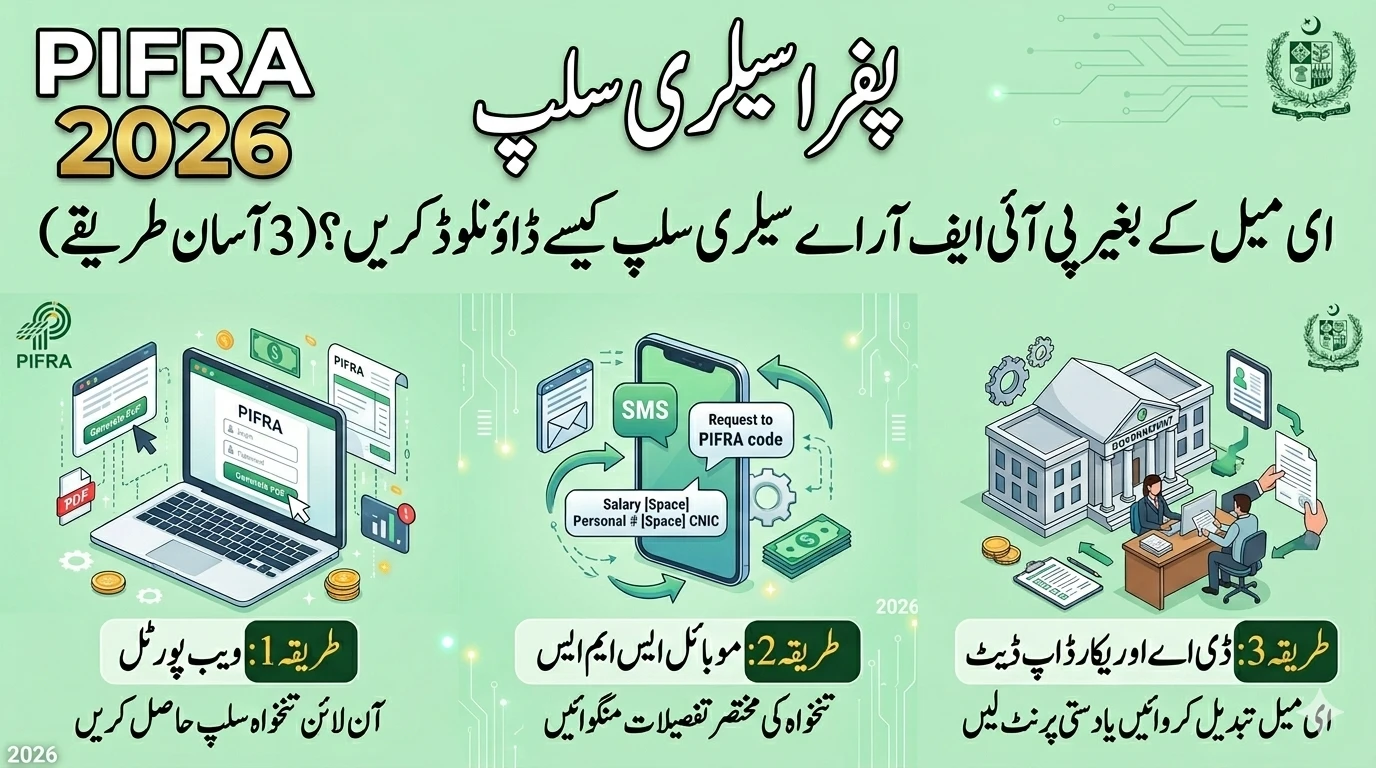
Method 1: The Official PIFRA Web Portal (آن لائن ویب پورٹل کا استعمال)
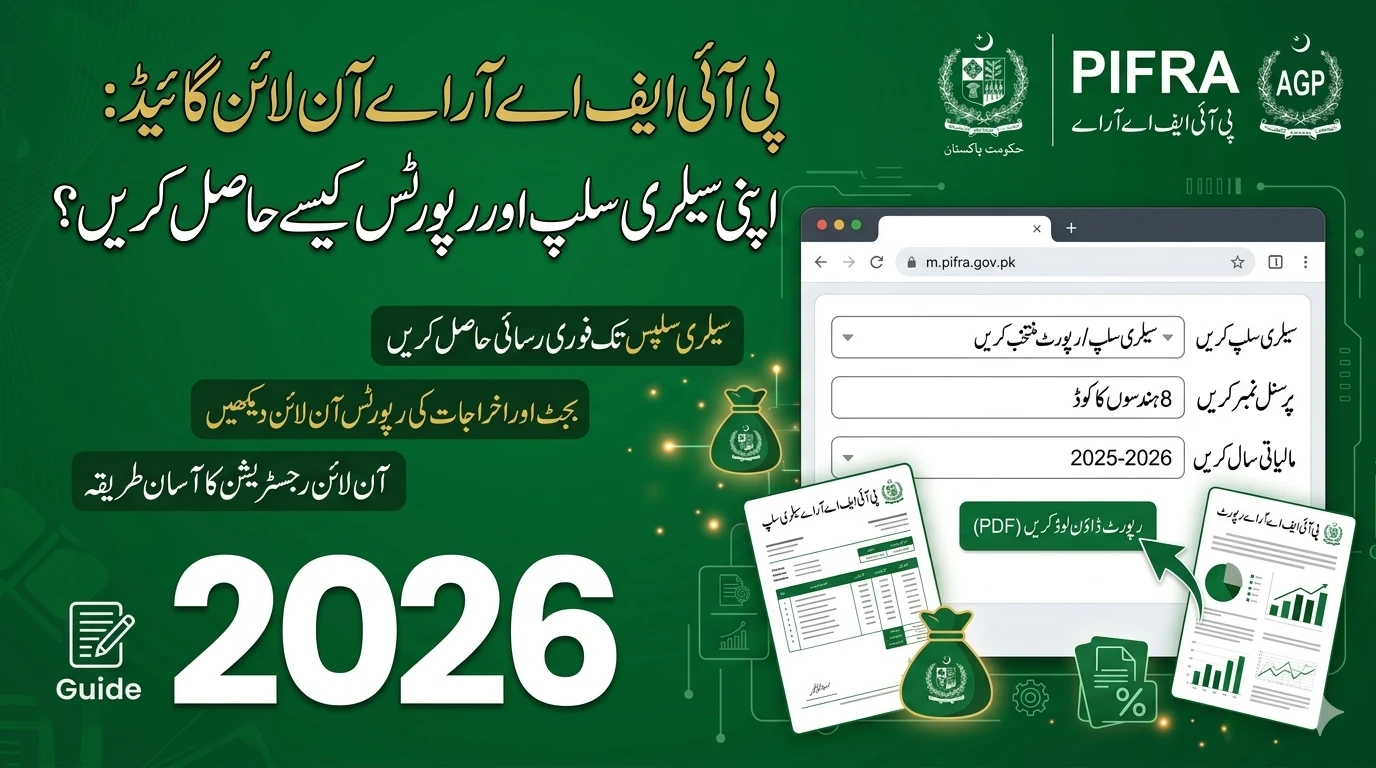
The most direct way to bypass your email is to go straight to the source. PIFRA maintains a web portal where employees can view their records in real-time. This is different from the automated email service because it is “on-demand.”

Step-by-Step Guide to the Portal
- Open your Browser: Use a secure browser like Chrome or Firefox on your smartphone or computer.
- Visit the Official Site: Go to the official PIFRA or the relevant Accountant General (AG) website.
- Find the Salary Slip Section: Look for a link that says “Online Salary Slip” or “Employee Pay Slip.”
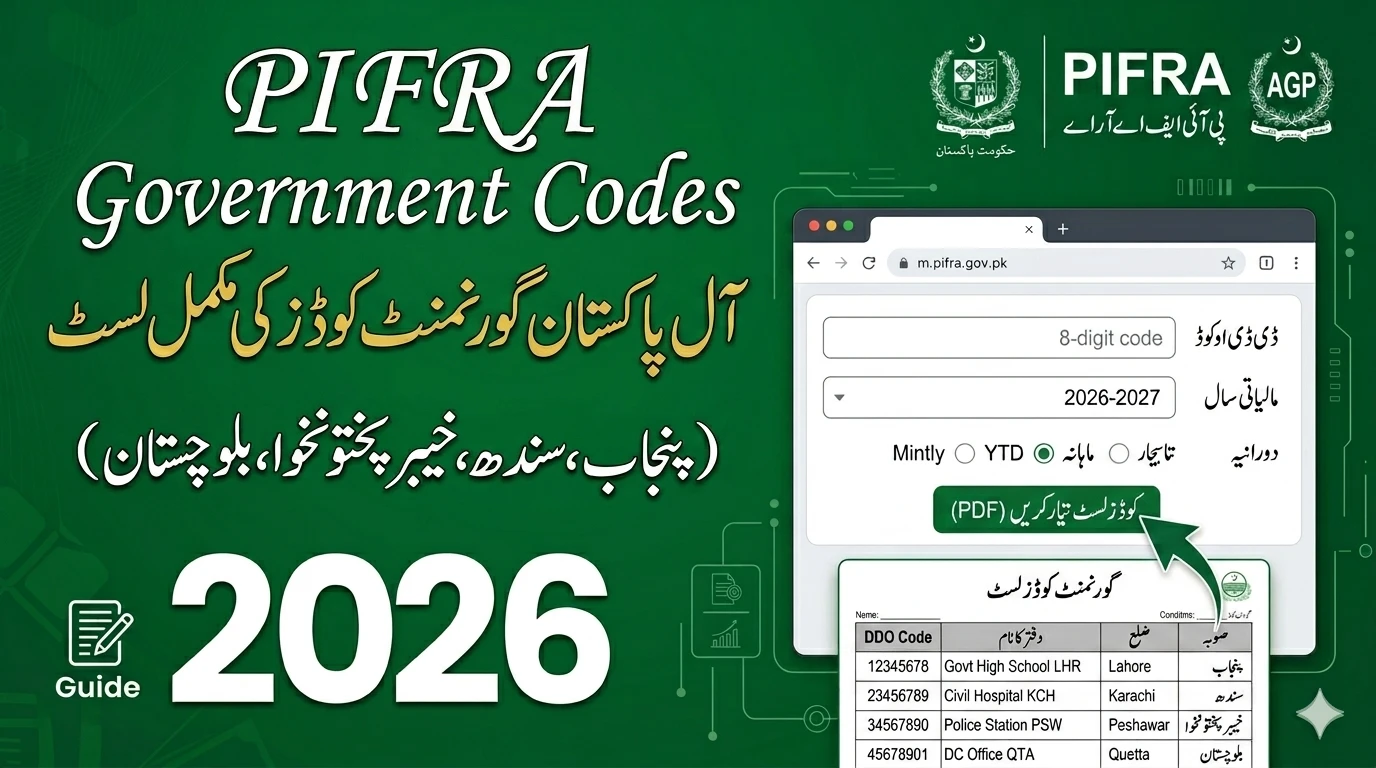
- Enter Government Code: You must select the code for your province or department. Common codes include:
- F for Federal
- P for Punjab
- S for Sindh
- N for KPK
- B for Balochistan
- G for Gilgit Baltistan
- K for AJK
- Personal Number: Enter your unique 8-digit personal number. This is the number that stays with you throughout your career.
- CNIC Number: Enter your 13-digit CNIC without any dashes or spaces.
- Date of Birth: Enter your birth date exactly as it appears on your service record.
- Verify and View: Click the verify button. If your data is correct, the system will display your current month’s slip on the screen.
Pro Tip for 2026
Once the slip appears on your screen, don’t just look at it. Use the “Print” function in your browser and select “Save as PDF.” This way, you have a digital copy stored on your phone’s memory, and you won’t need to log in again.
Method 2: Mobile SMS Inquiry Service (موبائل ایس ایم ایس کے ذریعے معلومات)
By 2026, mobile connectivity in Pakistan has reached new heights. Recognizing that not every employee has a high-speed internet connection or a computer, the government has improved the SMS-based inquiry system.

How to Get Your Summary via SMS
While you cannot download a full PDF via text message, you can get a detailed summary of your gross pay, total deductions, and net salary. This is often enough for daily record-keeping.
- Format: Create a new SMS and type your Government Code, Personal Number, and CNIC.
- Shortcode: Send this message to the official PIFRA shortcode (usually 8001 or as updated in your department’s latest circular).
- Instant Reply: Within seconds, you will receive a message showing your pay breakdown for the current month.
This method is “proven” because it works on even the simplest feature phones. If you are a teacher in a remote village or a policeman on duty without a laptop, this is your fastest option.
Method 3: Update and Reset via District Accounts Office (ڈی اے او سے ریکارڈ کی درستگی)
If the first two methods don’t work, there might be a deeper issue with your record in the SAP system. In this case, you need a “hard reset” of your digital profile. This requires a visit to your local District Accounts Office (DAO) or the Accountant General (AG) office.
Why Visit the DAO?
- Email Correction: If your registered email is wrong, the clerks at the DAO can update it in the SAP system instantly.
- Manual Printouts: The DAO has the authority to provide a “Certified Copy” of your salary slip. This is often required for legal or official purposes where a digital copy isn’t enough.
- Troubleshooting: If your “Record Not Found” error persists on the web portal, the DAO can check if your pay has been “posted” or if there is a technical block on your ID.
What to Bring With You
To save time, always carry these three things:
- Your original CNIC.
- A copy of your appointment or transfer order (to prove your identity).
- Your 8-digit personal number written clearly.
Common Errors and How to Fix Them (عام غلطیاں اور ان کا حل)
When trying to get a slip without email, you might encounter some technical “hiccups.” Let’s clear up the confusion.
1. “Record Not Found”
This usually happens if you try to check your slip too early. Most salaries are “posted” in the system between the 28th of the current month and the 2nd of the next month. If you check on the 25th, the system won’t find anything.
2. “Invalid Government Code”
Double-check your province code. Federal employees often mistakenly use their province code. If you work for a Federal department (like Pakistan Post or Railways) but live in Lahore, your code is still F, not P.
3. “CNIC Mismatch”
Ensure you are not putting dashes ( – ) in your CNIC. The system only recognizes pure numbers.
The Importance of Keeping Your Record Updated (ریکارڈ کو اپ ڈیٹ رکھنے کی اہمیت)
While these alternative methods are great in an emergency, your goal should be to fix your email registration eventually. Having a monthly automated email is the most secure way to build a long-term archive of your financial life.
In 2026, the government is moving toward “Paperless Governance.” This means that soon, paper records might be completely phased out. By mastering the PIFRA web portal and ensuring your DAO record is correct, you are future-proofing your career.
FAQs (اکثر پوچھے گئے سوالات)
1. Can I download my salary slip for previous years without email?
Yes. The PIFRA web portal allows you to select the month and year. You can typically access records from the last 12 to 24 months, depending on your province’s server capacity.
2. Is it safe to use third-party apps for PIFRA slips?
No. Never enter your CNIC or personal number into unofficial apps. These apps can steal your data. Always use the official PIFRA website or the methods mentioned in this guide.
3. My salary slip shows “Stop Pay.” What does this mean?
This is a serious status. It usually means your department has temporarily put a hold on your salary due to a pending inquiry, an unverified transfer, or a missing document. You must visit your DAO immediately to resolve this.
4. Can I change my email address myself online?
Currently, for security reasons, most PIFRA portals do not allow you to change your email yourself. You must submit a request to your department’s accounts branch to update the SAP records.
Summary of the Content (آرٹیکل کا خلاصہ)
اگر آپ اپنا ای میل ایڈریس بھول گئے ہیں یا آپ کا ای میل اکاؤنٹ بلاک ہو چکا ہے، تو آپ اب بھی اپنی PIFRA سیلری سلپ حاصل کر سکتے ہیں۔ 2026 کے جدید نظام میں اس کے تین بڑے طریقے ہیں۔ پہلا طریقہ پی آئی ایف آر اے کے آفیشل ویب پورٹل کا استعمال ہے جہاں آپ اپنا گورنمنٹ کوڈ اور پرسنل نمبر درج کر کے سلپ دیکھ سکتے ہیں۔ دوسرا طریقہ موبائل ایس ایم ایس سروس ہے جس کے ذریعے آپ اپنی تنخواہ کی تفصیلات منگو ا سکتے ہیں۔ اور تیسرا طریقہ اپنے ضلعی اکاؤنٹس آفس (DAO) جا کر اپنا ای میل ریکارڈ درست کروانا یا دستی پرنٹ حاصل کرنا ہے۔ یاد رکھیں کہ اپنا پرسنل نمبر اور شناختی کارڈ نمبر ہمیشہ پاس رکھیں تاکہ کسی بھی ہنگامی صورتحال میں آپ اپنی مالی معلومات تک رسائی حاصل کر سکیں۔