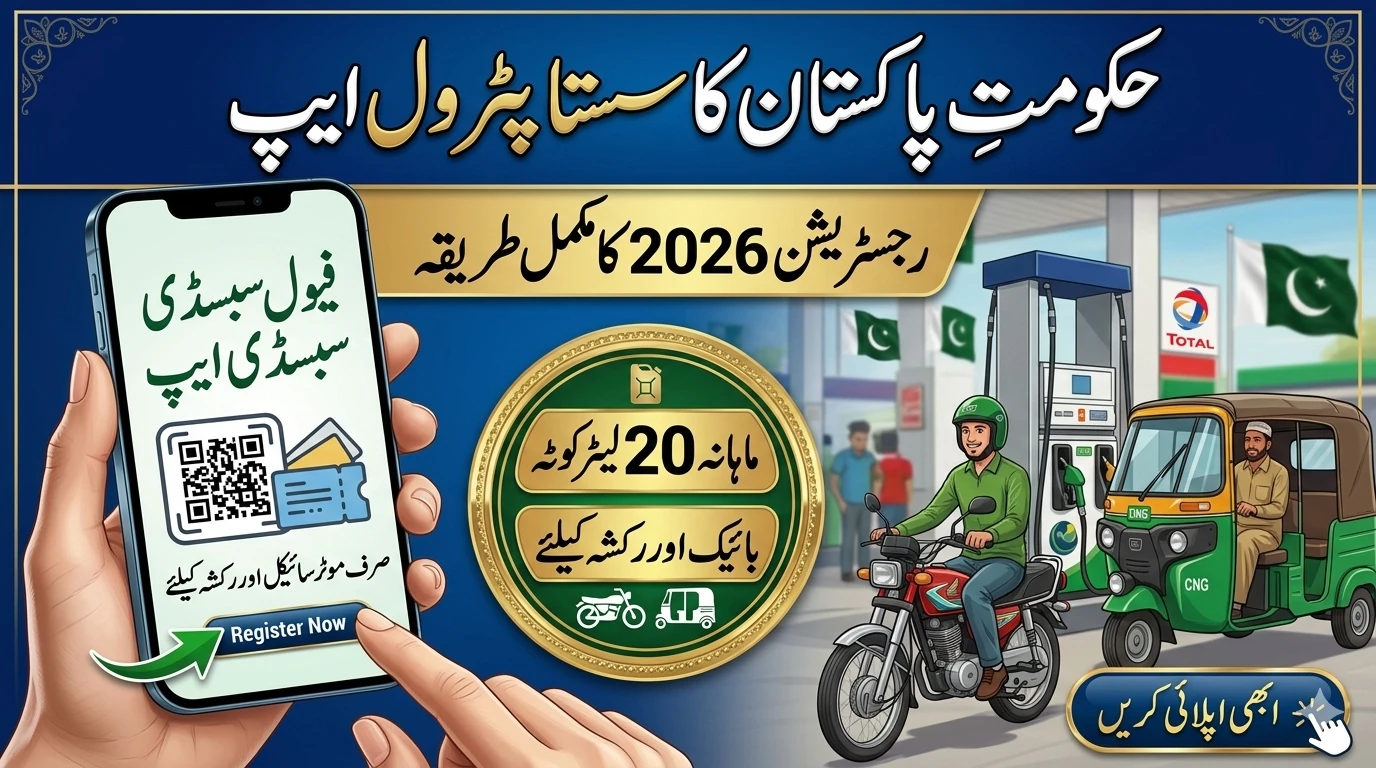
Fuel prices are a major concern for almost every household today. Whether you ride a motorcycle to work or drive a small family car, the cost at the pump affects your monthly budget. To help ease this burden, the government has introduced a digital system to provide cheaper fuel to those who need it most.
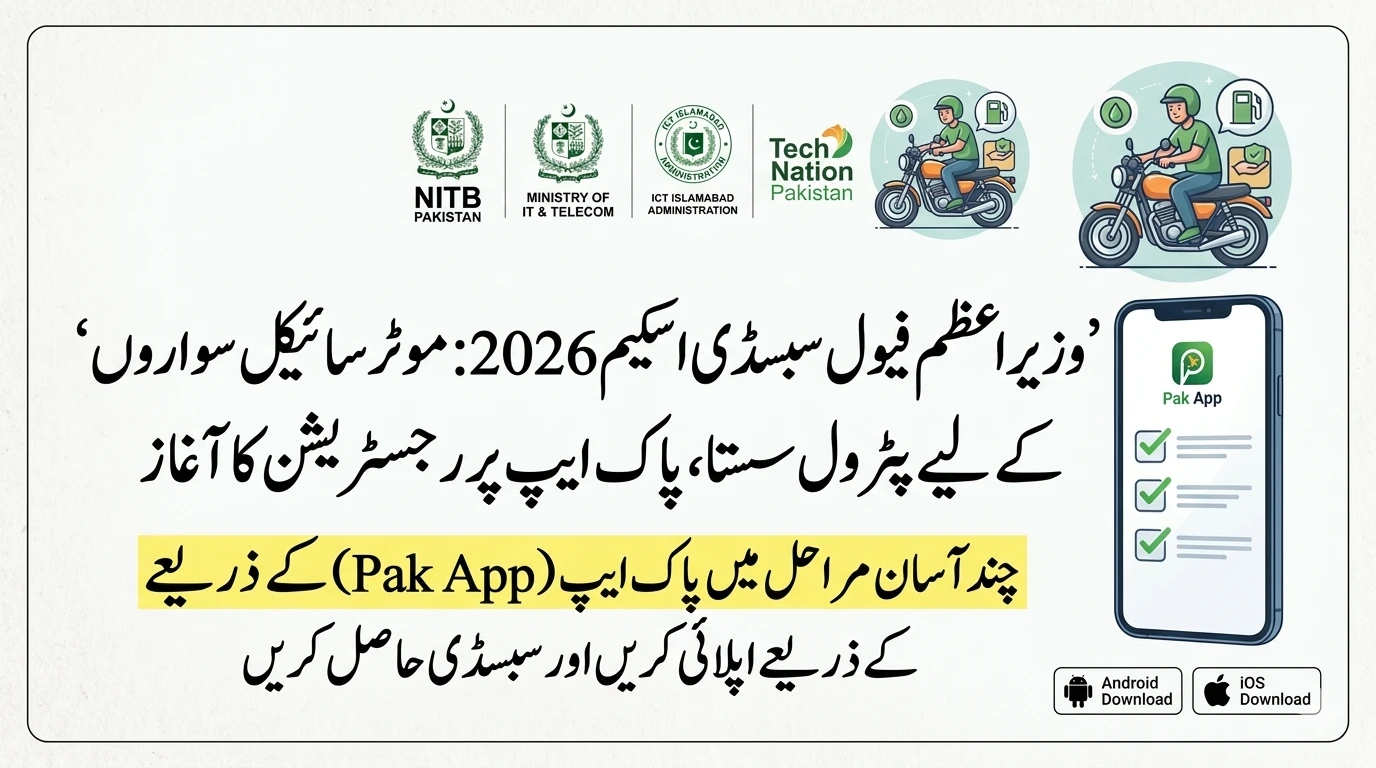
This initiative, often called the “Fuel Quota” or “Sasta Petrol” scheme, uses a mobile app to make the process transparent and fast. If you are wondering how to get your name on the list and start saving money on every liter, this guide will walk you through everything you need to know.
What is the 2026 Petrol Subsidy Scheme?
The government’s new program is designed to move away from general subsidies that benefit everyone, including the wealthy. Instead, it focuses on “targeted relief.” This means the discount goes directly to low-income and middle-income citizens.
By using a mobile app and SMS system, the government ensures that the subsidy isn’t wasted. It tracks fuel consumption through digital vouchers, making sure the right people get the right amount of help.

Who Can Register for the Discount?
Before you try to sign up, it is important to check if you meet the requirements. The system is linked to the national database, so it knows who qualifies based on income and vehicle type.
Income Requirements
The primary focus is on families earning less than Rs. 60,000 per month. If your household income falls within this range, you are likely eligible. The system often cross-references this with BISP (Benazir Income Support Program) data.
Vehicle Type
The subsidy is not for luxury cars or heavy SUVs. It is specifically for:
- Motorcycles and Scooters: The biggest group of beneficiaries.
- Auto Rickshaws: To help public transport workers.
- Small Cars: Generally those with an engine capacity of up to 800cc (like the Suzuki Alto or Mehrans).
Documentation Needed
You don’t need a pile of paperwork, but you do need three specific things:
- A valid CNIC (Identity Card).
- A Mobile SIM registered in your own name.
- The Vehicle Registration (Excise record) should ideally match your CNIC.
How to Register: Step-by-Step Instructions
There are two main ways to get registered. You can choose the one that is easiest for you.

Method 1: Registration via SMS (The Quick Way)
This is the best option if you do not have a smartphone or a stable internet connection.
- Open your Message App: Go to the “New Message” section on your phone.
- Type your CNIC: Enter your 13-digit CNIC number. Do not use any spaces or dashes (e.g., 3520112345678).
- Send to 786: Send this message to the code 786.
- Wait for the Reply: You will receive an SMS. It will either confirm your eligibility or tell you if more information is needed.
Method 2: Using the “Fuel Quota” Mobile App
If you have a smartphone, using the app gives you more control and allows you to track your remaining liters.
- Download the App: Search for the official “Fuel Quota App” on the Google Play Store or Apple App Store. Ensure the developer is listed as a government entity (like PITB or National Information Technology Board).
- Create an Account: Enter your mobile number. You will receive an OTP (One-Time Password) to verify your phone.
- Enter Personal Details: Provide your CNIC and your vehicle’s license plate number.
- Verification: The app will talk to the Excise and Taxation database. If everything matches, your profile will be activated within 24 to 48 hours.
How to Use the Subsidy at the Petrol Pump
Once you are registered and approved, you don’t just get cash in your hand. Instead, you get a “Digital Quota.” Here is how to spend it:
- Generate a Voucher: Open your app before you reach the petrol station. Click on “Generate Voucher.” You will see a QR Code or a unique 6-digit PIN.
- Visit a Participating Station: Look for petrol pumps (like PSO, Shell, or Total) that have the government subsidy signs.
- Scan and Pay: Tell the attendant you want to use your subsidy. They will scan your QR code using their device.
- The Discount: You will only pay the “subsidized price” per liter. The government pays the remaining balance to the petrol station directly.
Managing Your Monthly Quota
The subsidy has limits to prevent misuse. Currently, most users are allowed a quota of 20 to 30 liters per month.
- Check Balance: You can check how many liters you have left by logging into the app or sending “CHECK” to 786.
- Monthly Reset: Your quota resets on the 1st of every month. Unused liters usually do not carry over to the next month, so make sure to use your full limit.
- One Vehicle Rule: You can only register one vehicle per CNIC. If you own two bikes, you must choose which one gets the discount.
Common Problems and Easy Fixes
Sometimes, the registration process doesn’t go smoothly. Here are the most common issues and how to solve them:
“CNIC Not Found”
If the system says your CNIC is not found, it might be because your ID card is expired. Make sure your CNIC is up to date with NADRA.
“SIM Not Registered to CNIC”
The mobile number you use must be registered under the same CNIC you are providing. If you are using a SIM registered in your brother’s or father’s name, the registration will fail. You can visit a mobile franchise to transfer the SIM to your name.
“Vehicle Record Mismatch”
If you recently bought a used bike or car but haven’t transferred it to your name, the system might reject you. It is highly recommended to update the vehicle ownership at the Excise office to ensure you get the fuel relief.
The Importance of Digital Relief
This system is a big step forward for Pakistan. In the past, subsidy money often ended up in the wrong pockets. By using an app and CNIC tracking, the government ensures that the billions of rupees spent on relief actually reach the person driving the motorcycle or the small car.
It also helps the government understand fuel consumption patterns, which allows them to plan better for the future. While technology can feel confusing at first, this specific app is built to be simple and user-friendly for everyone.
Frequently Asked Questions (FAQs)
1. Is there a fee to register for the petrol app?
No. Registration is completely free. Be careful of scammers who ask for “processing fees.” Only use official government channels.
2. Can I use the subsidy at any petrol pump?
Most major fuel stations in cities are part of the network. Look for the official “Government Subsidy Partner” stickers at the station entrance.
3. What happens if I lose my phone?
Your subsidy is tied to your CNIC. If you lose your phone, you can simply download the app on a new device and log in with your CNIC and verified mobile number.
4. Can I register a commercial vehicle?
Currently, the scheme covers private motorcycles and rickshaws. Large commercial trucks or delivery vans are generally not included in this specific “small vehicle” quota.