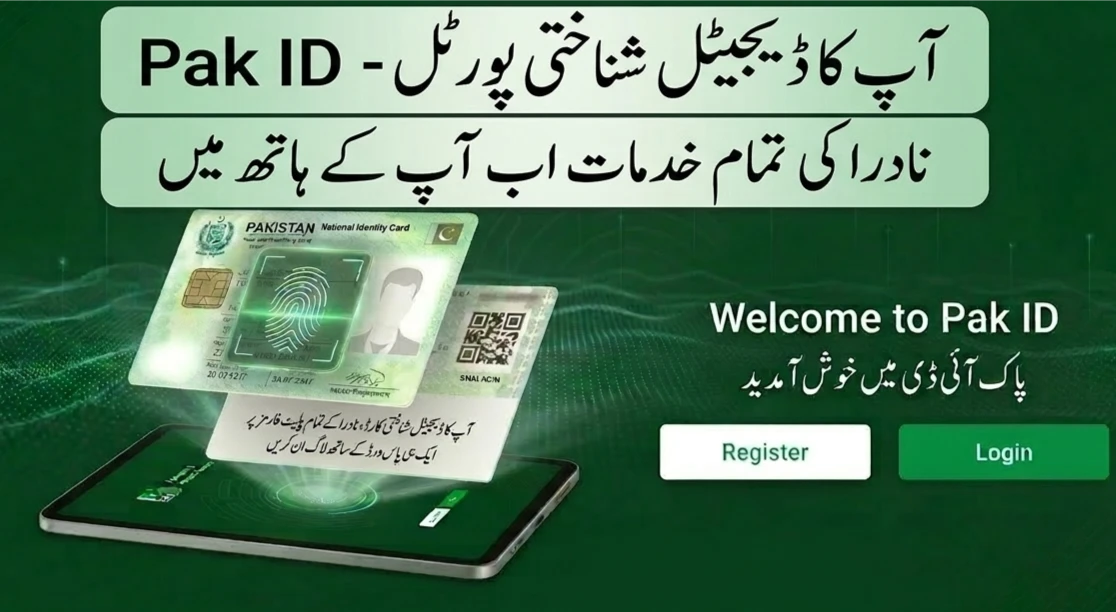
Imagine walking into a bank or a government office and not having to dig through your wallet for a plastic card. Imagine never having to hunt for a photocopy machine just to submit a simple application. This is not a dream of the distant future. As of March 2026, this is the new reality for millions of people across Pakistan.
The PakID system has moved from being a simple app to becoming the heart of our digital lives. It is a secure, legal, and incredibly fast way to prove who you are. Whether you are at an airport, a hospital, or a bank, your identity is now as mobile as you are. This guide will walk you through everything you need to know about this digital shift.
The Big Change: March 2026 and the Law
For a long time, digital IDs were seen as “extra” or “optional.” Some offices would accept them, but many others would still demand the physical plastic card. That changed in early March 2026. NADRA (the National Database and Registration Authority) issued a clear mandate under the new Digital Identity Regulations.
According to Regulations 9 and 10, the digital identity on your smartphone is now legally the same as the physical CNIC. This means that any government department or private business that asks for an ID must accept your PakID. They can no longer refuse it or ask for a photocopy. This legal shield is what makes 2026 the year Pakistan truly goes paperless.

Ending the “Photocopy Culture”
We have all been there—standing in a long line only to realize we forgot a photocopy of our ID. The 2026 update aims to kill this frustration. By using secure QR codes for verification, the need for paper copies is disappearing. This isn’t just about saving trees; it is about saving your data. Paper copies are easy to steal or lose. A digital scan is far more secure.
Why You Should Join the PakID Movement
You might think, “My plastic card works fine, why change?” The truth is that a digital identity offers tools that a plastic card simply cannot provide. It is like comparing a basic landline phone to a modern smartphone.
1. One Login for Everything (Single Sign-On)
In the past, every government website required a different account. You had one for taxes, one for your passport, and another for health services. Remembering all those passwords was a nightmare.

With PakID Single Sign-On (SSO), you have one master key. You log into the PakID app once, and you can access almost every government portal in Pakistan. It is fast, secure, and removes the need for dozens of different accounts.
2. Your Personal Digital Safe: The PakID Vault
The “Vault” is perhaps the best feature added in the last year. It is a secure space in your app where you can store “Verifiable Credentials.” This includes your digital CNIC, but it also goes much further. You can now store digital versions of your educational degrees, driving licenses, and even professional certificates.

When you need to share these documents, you don’t send a file. You share a unique QR code. The person on the other end scans it and gets a “verified” green light from the official source. This makes fraud almost impossible.
3. Verification Anywhere, Even Offline
One of the smartest parts of the 2026 system is that it works without the internet. We know that data signals can be weak in some areas. PakID uses secure QR codes that can be scanned offline. As long as your phone has a bit of battery, you can prove your identity at a security checkpoint or a remote bank branch.
How Your Data Stays Safe: The “Invisible” Shield
It is natural to worry about hackers when your most private information is on your phone. However, PakID is built with security that matches international banking standards. It doesn’t just rely on a simple password; it uses several layers of “invisible” protection.
High-Level Encryption (TLS 1.3)
Every time your phone communicates with NADRA’s servers, the information is scrambled using TLS 1.3 encryption. This is the gold standard for data safety. Even if a hacker tried to “listen in” on the connection, all they would see is a jumble of random characters that make no sense.
The Power of Biometrics
Your PakID is tied to you, not just your device. During registration, the app uses your phone’s camera to scan your face and your fingerprints. This data is matched against NADRA’s central database in real-time. This means that even if someone steals your phone, they cannot use your digital identity because they don’t have your face or your fingerprints.
Multi-Factor Authentication (MFA)
The system uses “Multi-Factor Authentication.” This means it checks multiple things before letting you in. It checks your biometric data, your phone number (verified via OTP), and your device ID. By combining these factors, the system creates a wall that is incredibly hard to climb.
How to Join: A Step-by-Step Guide
If you haven’t set up your digital identity yet, the process is straightforward. You don’t need to visit a NADRA office or stand in a queue. You can do the whole thing from your smartphone.
Step 1: Download and Register
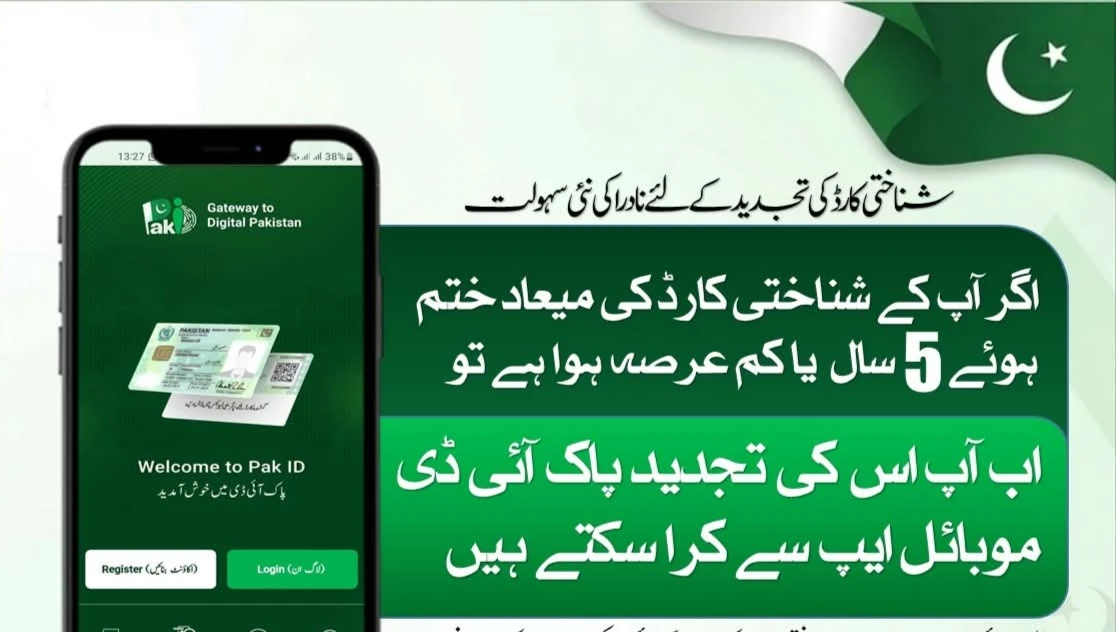
Download the official Pak Identity app from the Google Play Store or Apple App Store. Start by creating an account using your email and mobile number. Remember, the SIM card must be registered in your own name for the verification to work.
Step 2: Biometric Verification
This is the most “high-tech” part. The app will guide you through taking a photograph of your face. It will also ask you to scan your fingerprints using your phone’s camera. It feels like magic, but the app is actually looking for the tiny ridges on your skin to confirm it’s really you.
Step 3: Set Your Security
Once verified, you will set up your login credentials. We recommend using biometric login (Face ID or Fingerprint) for the app itself. This adds an extra layer of protection every time you open the app to use your ID.
Step 4: Access Your Vault
After your account is active, you can go to the “Vault” section. Here, you can view your digital ID. You can also start adding other documents like your degrees or licenses. Once they are in the vault, you are officially part of the digital movement.
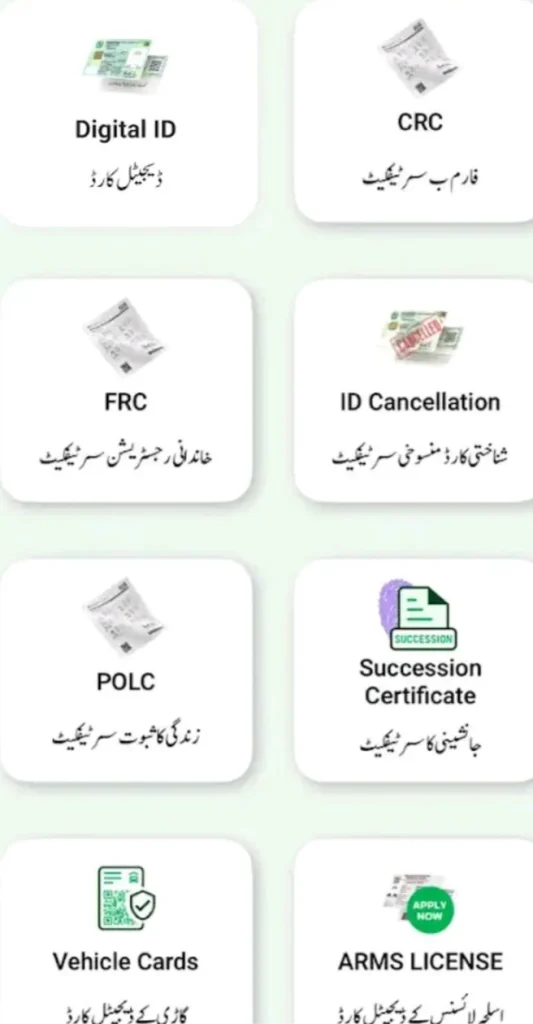
The Impact on Daily Life in 2026
The move to PakID is changing how we interact with the world. For students, it means applying for universities without carrying heavy folders of certificates. For travelers, it means moving through domestic airports with just a scan of a phone.
For the elderly and those in remote areas, it means fewer trips to city centers. If a person can verify their identity from home, they can access government aid, pension services, and health programs without the physical strain of travel. This is what true “citizen-centric” technology looks like.
Putting the Citizen in Control: Consent Management
A major theme of the 2026 regulations is “Consent.” In the old days, you gave your ID card to a person, and you had no idea what they did with it. With PakID, you are the boss.
When an organization wants to see your data, they have to send a request to your app. You get a notification that says, “Bank ABC wants to see your address.” You can say “Yes” or “No.” The system keeps a log of who accessed your data and when. This transparency builds trust and keeps your privacy intact.
Conclusion: Embracing a Paperless Future
The PakID system is a gift to the youth of Pakistan and the hard-working citizens who want a simpler life. It takes the “office work” out of our daily routines. While it might take a little time to get used to not having a physical card in your hand, the benefits—security, speed, and convenience—are too big to ignore.
As we move further into 2026, the digital identity will only become more powerful. It is the foundation of a modern Pakistan where your identity is safe, your time is respected, and the “photocopy culture” is finally a thing of the past.
Frequently Asked Questions (FAQs)
1. Is the PakID digital identity valid if I am traveling abroad?
For international travel, you still need your physical passport. However, your digital NICOP or POC is excellent for proving your identity to Pakistani embassies or for managing your affairs back home while you are away.
2. What if I lose my phone?
Don’t panic. Your identity is stored on NADRA’s secure servers, not just on the phone’s hard drive. You can simply download the app on a new device and recover your account using biometric verification and your registered email.
3. Does every shop or bank have to accept my digital ID?
Yes. Under the NADRA Digital Identity Regulations 2025, all regulated entities and public authorities are legally required to accept it. If someone refuses, you can lodge a formal complaint through the app.
4. Can I use PakID without a smartphone?
The digital ID features are designed for smartphones. If you don’t have a smartphone, your physical plastic card remains valid. The goal is to offer more options, not to take them away.
5. How much does it cost to use the PakID app?
Viewing your ID and using the Single Sign-On features is free. There are only fees if you are applying for a new card, a modification, or a renewal, just like at a physical NADRA center.