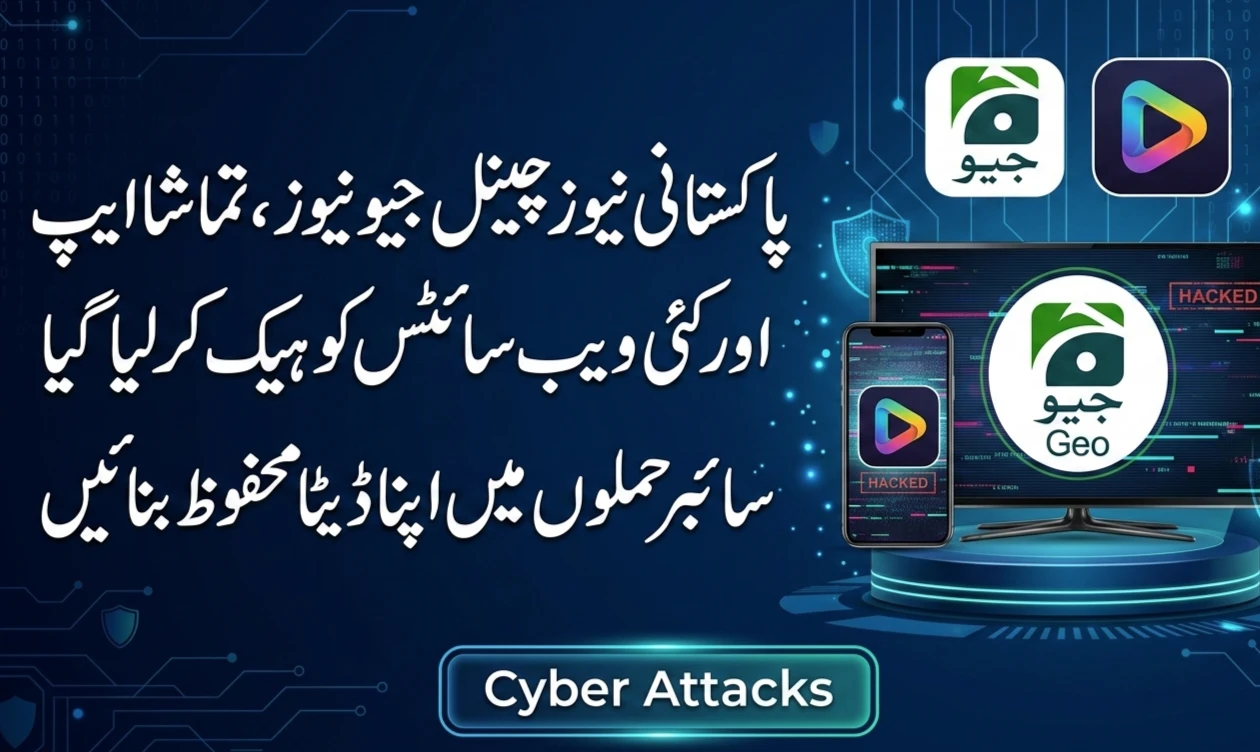
The digital world is moving faster than ever, and with that speed comes new risks. Recently, Pakistan has seen a rise in cyberattacks targeting the very platforms we rely on for information—news channels, mobile apps, and websites. When a major news broadcast like Geo News experiences a technical hijack, it serves as a wake-up call for everyone.
This isn’t just a problem for big media corporations; it affects every person who uses a smartphone or browses the web. Understanding how these attacks happen and what you can do to stay safe is the first step in building a stronger digital defense.
The New Face of Digital Threats in 2026
Cyberattacks have evolved beyond simple viruses. Today, they are sophisticated operations designed to disrupt public order or steal sensitive information. Here is a breakdown of what we are currently seeing in the Pakistani digital space.
Signal Interference and Broadcast Hijacking
One of the most visible forms of attack is the targeting of satellite feeds. By using powerful equipment, hackers can “overpower” a legitimate signal, replacing a news program with their own messages. This creates confusion and spreads misinformation instantly to millions of viewers.

Compromised News Applications
Many of us have news apps installed for instant alerts. However, hackers are now finding ways to slip malicious code into these apps. If an app isn’t properly secured, it can be used to track your location, read your messages, or even steal your banking details.
”Watering Hole” Tactics on Websites
Think of a “watering hole” as a popular place where everyone goes to get information. Hackers “poison” these websites with hidden scripts. When you visit the site to read an article, your device silently downloads malware without you ever clicking a “download” button.
Why Media Outlets Are Being Targeted
You might wonder why hackers focus so much on news channels. The reason is simple: Influence. News platforms are trusted sources of truth. By compromising them, attackers can:

- Spread panic or false information.
- Gain access to the data of millions of registered users.
- Demonstrate technical power to damage a brand’s reputation.
Practical Steps to Secure Your Personal Devices
While big companies work on their security, you have the power to protect your own “digital home.” Here are some simple, effective habits you should start today.
Use “Real” Multi-Factor Authentication
Most people use SMS codes for security, but hackers can sometimes intercept these. A better way is to use an Authenticator App (like Google Authenticator or Microsoft Authenticator). These apps generate a code on your phone that doesn’t rely on the cellular network, making it much harder to hack.

The “Official Store” Rule
Never, ever download an app from a link sent in a WhatsApp message or a popup on a website. Only use the Google Play Store or the Apple App Store. These platforms scan apps for viruses before they let you download them. If an app asks for “Install from Unknown Sources” permission, treat it as a red flag.
Password Hygiene is Non-Negotiable
Using the same password for your Facebook, your email, and your news app is like having one key that opens your house, your car, and your safe. If a hacker gets that one key, you lose everything.
- Use unique passwords for every account.
- Use a Password Manager if you find it hard to remember them all.
- Avoid common words like “Pakistan123” or your date of birth.
How Organizations Are Fighting Back
The battle isn’t just on your phone. Behind the scenes, Pakistani IT experts and government agencies like PKCERT are implementing advanced strategies to keep the country connected.
Implementing Zero-Trust Networks
In the past, once someone logged into a company’s network, they had access to everything. A Zero-Trust approach means the system assumes everyone is a threat until they prove otherwise at every single step. This stops a hacker from moving deeper into a system even if they steal one employee’s password.
Hardening Satellite Uplinks
Engineers are moving toward more advanced encryption for satellite transmissions. This makes it nearly impossible for unauthorized “pirate” signals to break into a broadcast.
Identifying a “Phishing” Attempt
Phishing is when a hacker pretends to be someone you trust to get your information. In the context of news, you might get an email that looks like it’s from a major news outlet asking you to “reset your password” because of a security breach.
How to spot the fake:
- Check the Sender: Does the email come from info@geo.tv or support@geo-news-security.com? The second one is likely a fake.
- Look for Urgency: Fakes often use scary language like “Your account will be deleted in 2 hours!” to make you act without thinking.
- Hover Over Links: Before clicking, hover your mouse over the link to see where it actually goes. If the address looks strange, don’t click it.
What to Do If You’ve Been Hacked
If you notice strange activity—like posts on your social media you didn’t make, or being locked out of your email—don’t panic. Follow these steps immediately:
- Disconnect: Turn off your internet connection to stop the hacker from accessing more data.
- Report to FIA: The Federal Investigation Agency (FIA) has a dedicated Cybercrime Wing. You can report incidents through their official website or helpline.
- Change Everything: Once you are on a secure device, change the passwords for your most important accounts (Banking, Email, Social Media) first.
- Notify Your Bank: If you suspect your financial data was stolen, call your bank to freeze your cards immediately.
Building a Culture of Cyber Awareness
Cybersecurity isn’t just about software; it’s about people. In Pakistan, we need to share these tips with our elders and children, who are often the most vulnerable to online scams. By staying informed and skeptical of “too good to be true” offers, we can create a safer digital environment for everyone.
Frequently Asked Questions (FAQs)
1. Can a hacker listen to my calls through a news app?
If an app is malicious and you have given it “Microphone” permissions, it is technically possible. This is why you should always review which permissions an app is asking for during installation. A news app usually doesn’t need access to your microphone or contacts.
2. Is it safe to use public Wi-Fi to read the news?
Public Wi-Fi (like at airports or cafes) is often unencrypted. It’s better to use your mobile data or a VPN (Virtual Private Network) if you need to access sensitive accounts while away from home.
3. Why did my phone get hot while browsing a certain news site?
This can sometimes be a sign of “cryptojacking,” where a website uses your phone’s processor to mine digital currency without your permission. If a site makes your phone lag or heat up, close the tab immediately.
4. How often should I update my apps?
As soon as an update is available in the official store! Updates often include “security patches” that fix vulnerabilities hackers have recently discovered.
5. Is the government doing anything about these attacks?
Yes, agencies like the PTA and PKCERT monitor national traffic and issue warnings to organizations. However, individual caution is still the most important layer of security.
Stay Protected
The recent surge in digital attacks is a reminder that the internet is a shared space. Your security affects your family, your workplace, and your community. By following the simple steps of using strong passwords, enabling MFA, and staying alert, you can enjoy the benefits of digital news without the fear of falling victim to a cyberattack.