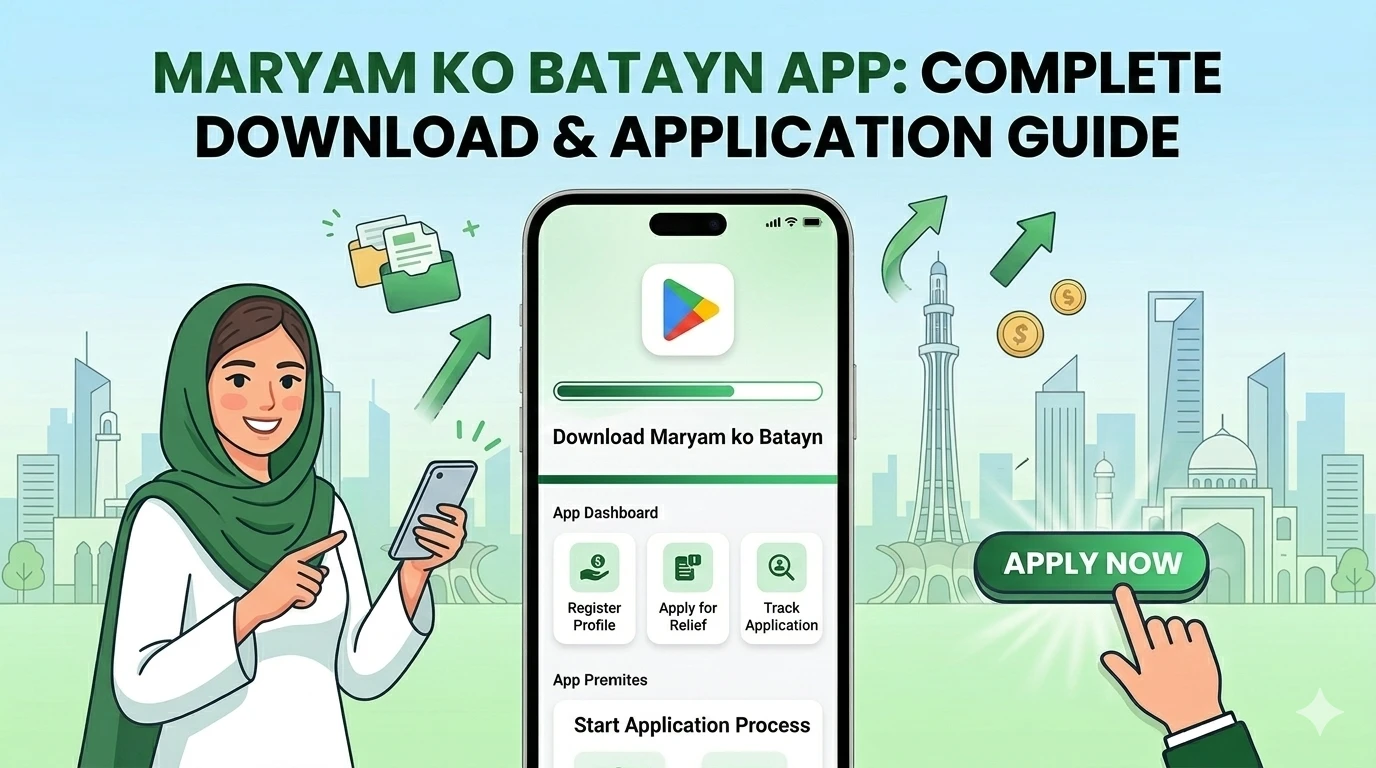
The Punjab government has taken a big step toward helping its citizens by launching the Maryam ko Batayn mobile application. This app is a digital bridge that connects the common person directly with the Chief Minister’s office and district administrations. Whether you need financial help during Ramazan or want to report a problem in your area, this platform makes it possible with just a few taps on your phone.
What is the Maryam ko Batayn App?
Developed by the Punjab Information Technology Board (PITB), the “Maryam ko Batayn” app is part of a larger initiative to provide transparent and dignified assistance to deserving families.
The primary goal of the app is to ensure that no one is left behind. If you are not already registered in government databases like the PSER (Punjab Socio-Economic Registry), this app allows you to register yourself and request immediate help.
Key Benefits of the App
- Direct Access: Talk to the government without needing a middleman.
- Instant Relief: Eligible users can receive financial aid of up to Rs. 10,000 within 24 to 48 hours.
- Real-time Tracking: Every application gets a tracking ID so you can see exactly where your request stands.
- Multiple Services: Access medical help, ration grants, and emergency welfare services all in one place.
How to Download the Maryam ko Batayn App
Getting the app on your smartphone is very simple. It is currently available for Android users on the official Play Store.

- Open Google Play Store: On your Android phone, tap on the Play Store icon.
- Search for the App: Type “Maryam ko Batayn” in the search bar.
- Check the Developer: Make sure the app is developed by Punjab Information Technology Board to ensure it is the official version.
- Install: Tap the “Install” button. The app is a small file (about 7.5 MB), so it will download quickly.
Step-by-Step Registration Process
Once the app is installed, you need to set up your profile. Follow these steps to register correctly:
Step 1: Account Creation
When you open the app for the first time, you will see a signup screen. You will need to enter:
- Your full Name (as written on your CNIC).
- Your CNIC Number (13 digits without dashes).
- A valid Mobile Number.
Step 2: Verification
After entering your details, you will receive a code (OTP) via SMS to verify your phone number. Enter this code in the app to activate your account.

Step 3: Profile Setup
The app might ask for a few more details, such as your district and tehsil, to better understand your location for service delivery.
How to Apply Online for Relief Programs
Many citizens use this app to apply for the Ramazan Relief Package or other financial grants. Here is how you can submit your application:

- Log In: Use your CNIC and password/OTP to log into the app dashboard.
- Select a Category: Choose the specific service you need. For example, look for “Ramzan Ration Grant” or “Financial Assistance”.
- Fill the Application: You may be asked why you need the assistance. It is helpful to provide a short and honest explanation of your financial situation.
- Submit Attachments: If you have photos or documents (like a medical report or a utility bill) that support your request, you can upload them directly through the app.
- Review and Submit: Check all your details one last time and hit the submit button.
What Happens After You Apply?
The Punjab government uses a digital verification system to check your eligibility.
- Verification: Your CNIC is checked against government records to see if you are already receiving aid from other programs like BISP.
- Notification: You will receive an SMS alert or a robo-call once your application is approved.
- Payment: Funds are usually sent through digital wallets like JazzCash. You can collect the money from any authorized agent by showing your original CNIC and the approval message.
Helpline and Support
If you don’t have a smartphone or are having trouble with the app, you can still get help:
- Short Code: Dial 1000 from any mobile network. This call is free of cost.
- Web Portal: You can also visit the official website to enter your CNIC and check your status.
Frequently Asked Questions (FAQs)
1. Is the Maryam ko Batayn app free to use?
Yes, both the app download and the 1000 helpline are completely free for all citizens of Punjab.
2. Can I apply if I am already receiving BISP money?
Generally, this specific program is designed for those who are not currently receiving aid from BISP or the Nigehban program, to ensure help reaches new families.
3. How long does it take to get the money?
If you are already in the government database, you can receive funds within 24 hours. New applicants may take up to 4 days for verification.
4. What should I do if my application is rejected?
Ensure your CNIC and mobile number are correct. You can also call the 1000 helpline to ask for the reason for rejection or to update your information.